
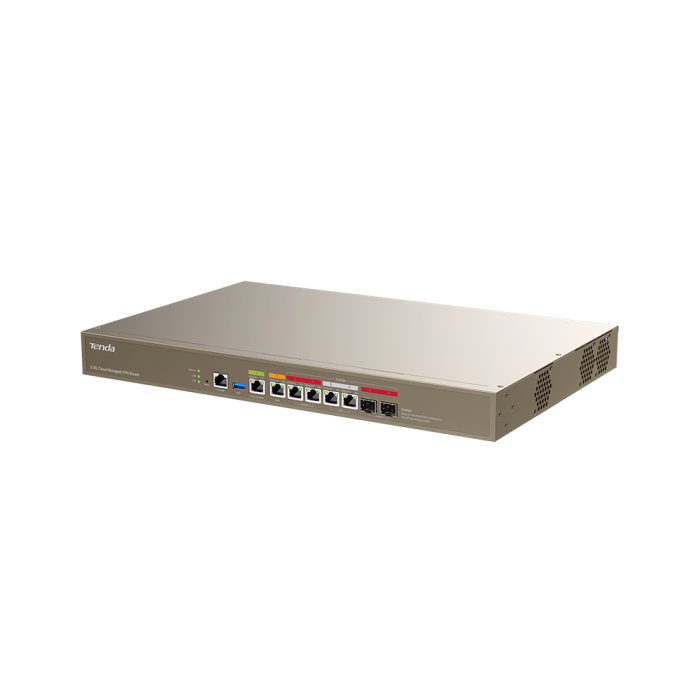
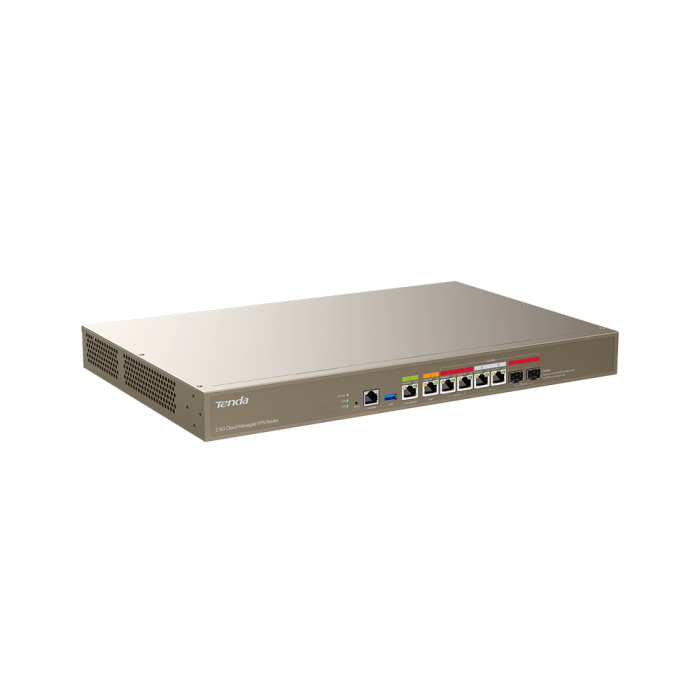
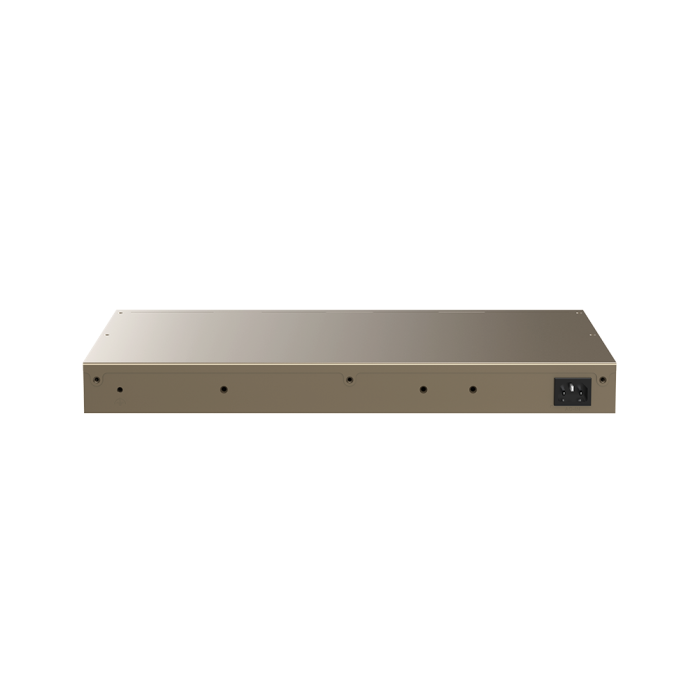
Tenda G300-F Best price in Dubai UAE
- Supports IPsec,L2TP,PPTP and Open VPN.
- Support Router Mode and AC Mode.
- Up to 4x WAN Ports,Support load balancing.
- 1x 2.5G RJ45 Port,5x Gigabit RJ45 Port,2x SFP(combo).
- Triple Core CPU provides 2.5Gbps Forwarding performance.
Tenda G300-F Buy with Best Price from authorized supplier for Tendaproducts in UAE Tenda G300-F 2.5G Cloud Managed VPN Router Distributor for Africa dsrtech.ae, Tenda Dubai
Mechanical
Model
G300-F
Dimensions
440x285x44
Weight
2670g
Box Dimensions
526x373x80
Enclosure materials
SGCC
Hardware
Processor
RSIC-V Triple Core1.25GHz
Memory information
512MB
Networking interface
1x2.5GE RJ45+5xGE RJ45 +2xSFP(combo)
USB
1xUSB2.0
Power method
AC 100-240V
Power supply
Built-in power
Max. power consumption
16W
Button
Reset
Operating temperature
Operating Temperature: -10C-45C
Operating humidity
Operating Humidity: 10%-90% RH, non-condensing
Certifications
CE.FCC.RoHS
Performance
Max. Client Capacity
400
Recommended Client Capacity
300
Recommended Broadband
2500Mbps
Max. New Sessions
13000
Max. Concurrent Sessions
140000
NAT (Static IP);
2870Mbps/2863Mbps
NAT(DHCP);
2855Mbps/2847Mbps
NAT(PPPoE);
2740Mbps/2782Mbps
AP Management
Router mode: 256
AC mode: 512
VLAN
16
Gateway Features
Operating Mode
Router& Pure AC
AP Management
Support
DHCP Server
User DHCP Server,AP DHCP Server,DHCP Reservation,Excluded IP Address
Wireless Policy
AP Group,Guest Wi-Fi,Wi-Fi Schedule,Wi-Fi Optimization,Scheduled Optimization
Fast Roaming
802.11k,v,r
IPTV
Support
ACL
IP Filtering,MAC Filtering,Port Filtering,URL Filtering,Wireless MAC Filtering,User Filtering
Bandwidth Control
Group Limit,Single User Limit
VPN
IPSec, PPTP, L2TP,open VPN
Virtual Server
DMZ,DDNS,DNS&IP Hijacking,UPNP,Interface Mirroring,Port Mapping,DNS Cache
PPPoE server
Support
captive portal
Support(web.e-mail.SMS.Random Code)
IPV6
Support
WAN Load Balancing
Intelligent Load Balancing, Customize
Routing
Static Routing, Policy Routing
Security
IP-MAC binding, Block Ping from WAN, DDoS Attack Defense, ARP Attack Defense, Binary Association
System Tools
ntp,Scheduled reboot, Diagnosis
System Log
system log, Operating log, Running log
System Account
Administrator, Visitor, Login IP Address Limit
Upgrade
Local, Online
Maintenance
Restore, Backup, Remote WEB Management, Network Diagnosis,Client Detection,WAN Diagnosis,Network Monitoring
Management
http/https, CloudFi, CloudFi APP
LEDs
SYS
Blinking: The router is working properly
Solid on: The router is starting up
Off: The router is not started.
Link
Left indicator for 2.5GE port
Solid yellow: The port negotiates at 100/1000 Mbps
Blinking yellow: Data is being transmitted over the port
Off: No device is connected to the port
Right indicator for 2.5GE port
Solid green: The port negotiates at 2.5 Gbps
Blinking green: Data is being transmitted over the port
Off: No device is connected to the port
Left indicator for 1GE port:
Solid yellow: The port negotiates at 10/100 Mbps
Blinking yellow: Data is being transmitted over the port
Off: No device is connected to the port
Right indicator for 1GE port:
Solid green: The port negotiates at 1 Gbps
Blinking green: Data is being transmitted over the port
Off: No device is connected to the port
Indicator for SFP port:
Solid on: The port is connected properly###Blinking: Data is being transmitted over the port###Off: No device is connected to the port.
Act
Solid on: A USB device is connected to the router
Blinking: Data is read from or written to the USB device connected to the router
Off: A USB device is disconnected from the USB port.
Internet
Solid on: A USB device is connected to the router
Blinking: Data is read from or written to the USB device connected to the router
Off: A USB device is disconnected from the USB port.
USB
Solid on: A USB device is connected to the router
Blinking: Data is read from or written to the USB device connected to the router
Off: A USB device is disconnected from the USB port.
Products You May Like
Tenda 4G09 AC1200 Dual-Band Wi-Fi 4G+ LTE Router
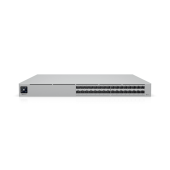
Ubiquiti Pro XG Aggregation 32-port Layer 3 Etherlighting Switch - USW-Pro-XG-Aggregation
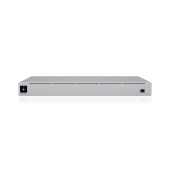
Ubiquiti SmartPower RPS - USP-RPS-EU
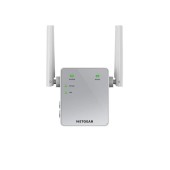
Netgear EX3700 AC750 Dual-band WiFi Range Extender
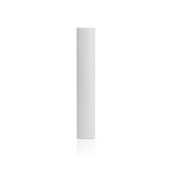
Ubiquiti AM-5G17-90 UISP airMAX 5 GHz, 17 dBi, 90º Sector Antenna
H3C WA6528i – Wi-Fi 6 Dual-Radio High-Performance Access Point